The Accessibility Overlay Procurement Checklist Vendors Hope You Skip
By The bee2.io Engineering Team at bee2.io LLC
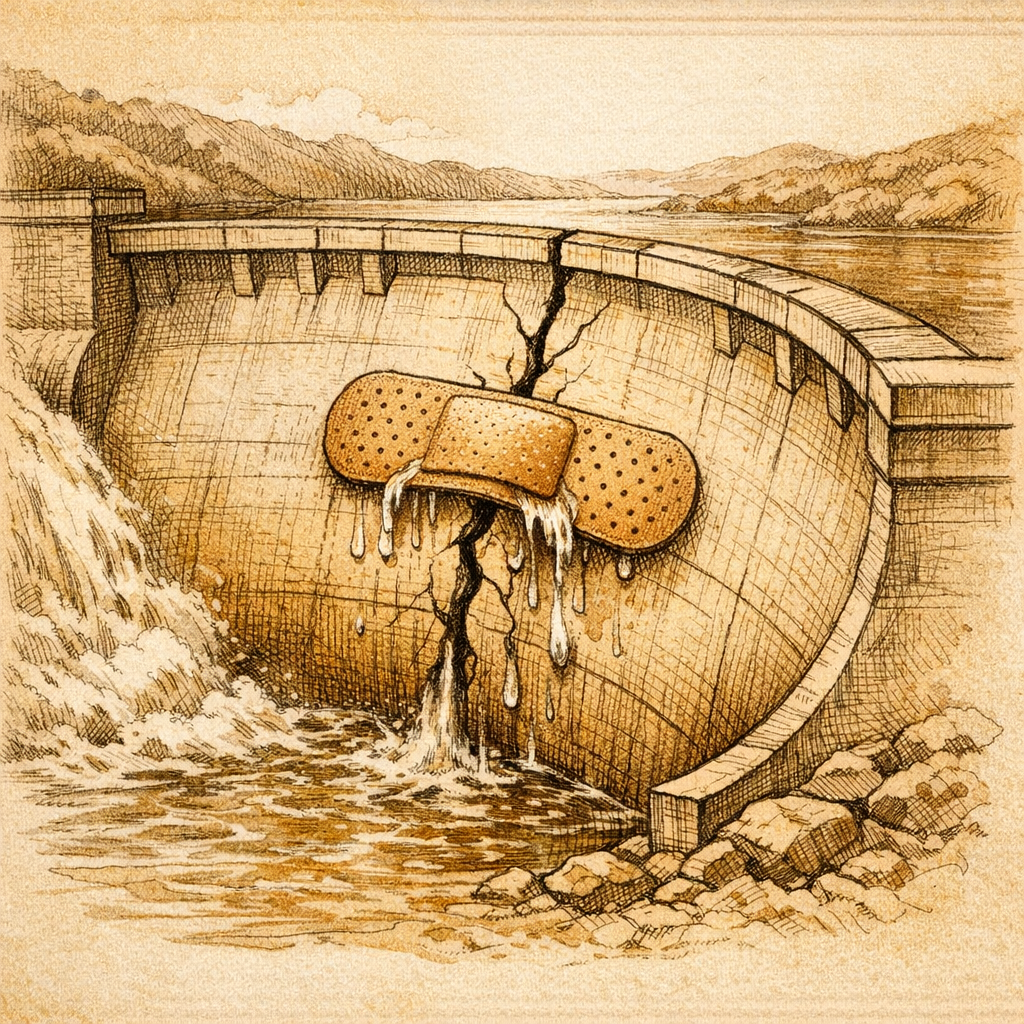
Accessibility overlays are often purchased the way office coffee machines are purchased: someone sees a polished demo, hears the word automatic several times, and assumes the difficult part has been outsourced. Then the widget lands on production, adds a floating button, and announces that accessibility has been handled. This is convenient in the same way a cardboard steering wheel is convenient. It looks like the right object until the road bends.
The useful procurement question is not whether an overlay can change font size or color contrast. The question is whether the product improves real tasks without interfering with the assistive technology people already use. A vendor should be able to answer that with evidence, not a dramatic dashboard and a compliance badge large enough to have its own weather system.
Start With the Exit Clause, Not the Confetti
Before reviewing features, ask what happens when the script fails, the contract ends, or a browser update changes its behavior. A serious product should have a documented rollback process, clear data-handling terms, and no claim that one line of JavaScript makes an entire site conform to every accessibility requirement. Accessibility is a property of content, structure, design, code, and operating process. A remote script cannot repair all of those layers by arriving fashionably late.
Request a written explanation of what the overlay changes in the Document Object Model, what it only changes visually, and what remains the site owner responsibility. Ask whether user interactions or assistive-technology signals leave the browser. Ask how long data is retained. Ask who receives defect reports and how quickly regressions are corrected. If every answer returns to the phrase proprietary artificial intelligence, the meeting has become a magic show.
- Contract: Require precise claims, a rollback path, support response times, and responsibility for regressions.
- Privacy: Document every event, identifier, and page detail transmitted to the vendor.
- Control: Confirm that the site remains usable when the service is unavailable or blocked.
- Evidence: Ask for repeatable test results on workflows that resemble your own site.
Test the Widget Where Real Work Happens
Never evaluate an overlay only on a vendor demonstration page. Install it in a staging environment and select a small set of critical journeys: account creation, sign in, search, checkout, form validation, modal dialogs, and document download. Test those journeys before and after activation. The comparison matters because an overlay can appear helpful while quietly changing names, roles, focus order, keyboard behavior, or announcements.
Use keyboard-only navigation, browser zoom, high-contrast settings, and at least one current screen reader. Include people who regularly use assistive technology whenever possible. Record failures by step, expected behavior, observed behavior, and browser combination. A single accessibility score is not enough. Scores are excellent at fitting inside presentations. People are less cooperative about fitting inside scores.
- Capture a baseline for each critical workflow without the overlay.
- Activate the product in staging with production-like content and third-party scripts.
- Repeat the same manual and automated checks across desktop and mobile layouts.
- Verify focus order, labels, status messages, error recovery, and keyboard escape behavior.
- Disable the service and confirm that the original site still works.
Demand Evidence That Survives a Sales Call
The final decision should produce a remediation plan, not permission to stop remediating. Ask the vendor to separate defects the overlay can mitigate from defects that require source-code changes. Require exportable issue data so engineers can fix templates and components at the source. Track whether the number of underlying defects decreases over time. If the only trend line measures how many problems the widget claims to hide, the incentive is pointed backward.
A defensible purchase has a narrow purpose, measurable acceptance criteria, ongoing manual testing, and an owner inside the organization. It never replaces accessible design, semantic HTML, keyboard testing, useful alternative text, clear form errors, or direct feedback from disabled users. Run the checklist on your own site before signing anything. The cheapest time to discover that a shortcut is not a road is before the annual contract renews itself.
Disclaimer: This article is for informational purposes only and does not constitute legal, professional, or compliance advice. SCOUTb2 is an automated scanning tool that helps identify common issues but does not guarantee full compliance with any standard or regulation.
Stop finding issues manually
SCOUTb2 scans your entire site for accessibility, performance, and SEO problems automatically.