Your Alt Text Is Probably Making Things Worse
By The bee2.io Engineering Team at bee2.io LLC
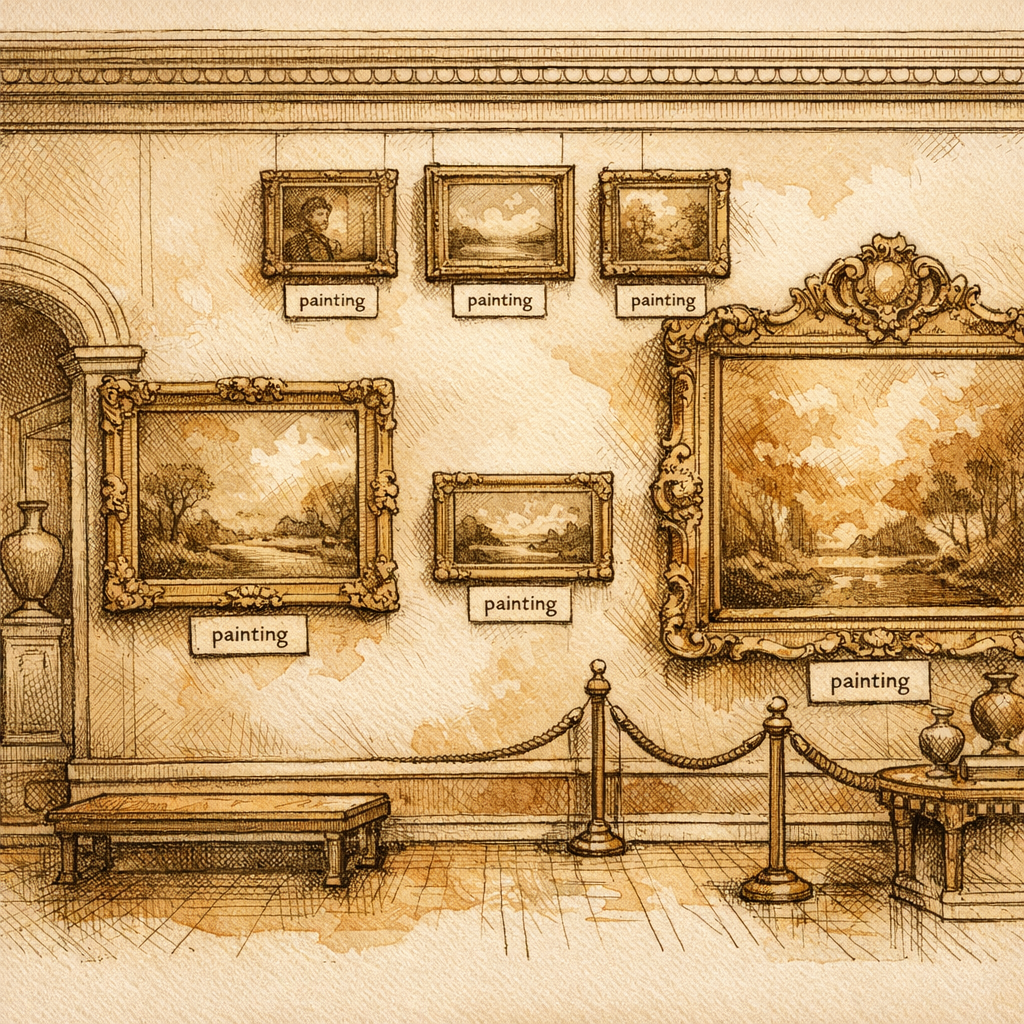
You know that feeling when you realize you've been pronouncing a word wrong your entire life? That's about to be you with alt text. Except instead of just feeling embarrassed at dinner parties, you're actively making your website less accessible to thousands of people. Congratulations - you're the web equivalent of someone who thought "gif" rhymed with "life."
Let's talk about alt text. You probably have some. You probably think it's fine. You're probably wrong. Industry data suggests that roughly 60-70% of websites with images have alt text that ranges from "technically there" to "actively hostile to human understanding." We're talking alt text that says things like "image," "photo123.jpg," or my personal favorite, "pic." At that point, why bother? You might as well tattoo "I didn't care" on your website's forehead.
The Alt Text Crimes You're Definitely Committing
Let's start with the stuff you're probably doing right now. One major e-commerce retailer spent thousands optimizing their product pages only to slap "image" as alt text on their hero photos. Another popular SaaS platform described their entire feature comparison chart with the filename it was saved as - "comparison_v3_final_FINAL_2.jpg." This is the web development equivalent of writing a résumé that just says "person."
When a screen reader encounters alt text like this, it's like asking someone to describe your vacation photos and they just say "picture." Thanks, buddy. Really paints a vivid landscape. The blind and low-vision users on your site aren't getting information - they're getting the digital equivalent of a shrug emoji.
And here's the kicker: you're also sabotaging your own SEO. Search engines actually use alt text to understand what images are about. If your alt text says "image," Google basically has to guess what's happening. It's like you're playing hide-and-seek with search engines, except you're the only one playing and the seekers have given up.
Empty Alt Text Isn't Always the Enemy (Shocking, I Know)
Now, you might be thinking: "Okay smarty pants, what if I just use empty alt text for everything?" Don't. But also... sometimes empty alt text is actually the right call.
Here's the secret nobody tells you: decorative images can have empty alt attributes. That's right - alt="" is legitimate in certain situations. If you've got a fancy divider line, a pure decoration, or a background image that's just there for vibes, empty alt text tells assistive technologies to skip it. It's like saying, "Hey, nothing important here, move along."
The rule is simple: if the image is purely decorative and carries no information, empty alt text is your friend. If it's conveying something - literally anything - then you need actual text. And not "image" text. Real text.
How to Write Alt Text That Won't Make Accessibility Advocates Cry
Okay, so here's what you actually need to do. Write alt text like you're describing the image to someone over the phone who can't see it - but keep it reasonable. We're talking 125 characters or less, ideally. Think of it as a tweet, but useful.
For a product image: don't just say "blue sweater." Say "Navy crew neck sweater with cable knit pattern, size medium displayed on white background." For a chart: describe what data it shows, not "bar chart." For an icon: explain its function, not "icon."
Here's a practical formula that actually works:
- What is the image?
- What is it doing or showing?
- Why should someone care?
That's it. You're not writing a novel. You're giving context. You're being useful. Revolutionary, I know.
Some bonus tips for the overachievers: don't start with "image of" or "photo of" - that's redundant since everyone already knows it's an image. Avoid keyword stuffing your alt text like you're still in 2003 (yes, some of you are). And for the love of web standards, avoid alt text that's longer than the actual article - I've seen horror shows where alt text runs 500+ words. That's not accessibility, that's a cry for help.
The Call to Action That Isn't Annoying
Here's your homework: go audit your own website right now. Seriously, do it. Open your pages, right-click on an image, and look at the alt text. If you see "image," "photo," your filename, or an empty void where context should be, you've got work to do.
Your website doesn't have to be perfect, but it should at least try. People with disabilities are trying to use your site - the least you can do is describe your pictures like a normal human being. It takes five extra minutes per image, and the payoff is that your site becomes actually usable by more people while also getting a little SEO boost. Win-win.
Good alt text is one of those things that nobody notices when it's right, but everyone loses when it's wrong. Don't be that person. Your website's fly is already up - keep it that way.
Disclaimer: This article is for informational purposes only and does not constitute legal, professional, or compliance advice. SCOUTb2 is an automated scanning tool that helps identify common issues but does not guarantee full compliance with any standard or regulation.
Stop finding issues manually
SCOUTb2 scans your entire site for accessibility, performance, and SEO problems automatically.