ARIA Spam: How Your Design System Became Accessibility Theater
By The bee2.io Engineering Team at bee2.io LLC
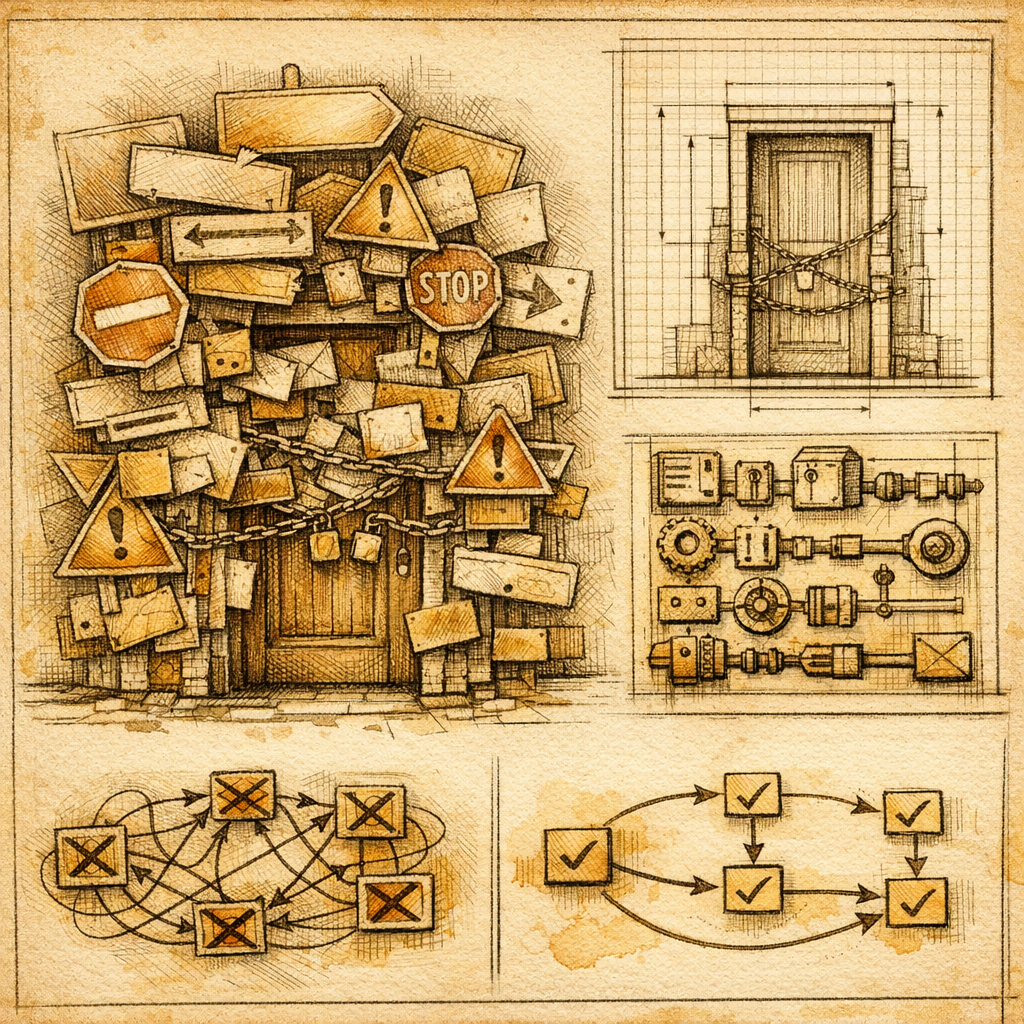
You know that feeling when someone over-explains a joke? That's what your website is doing to screen readers right now. Somewhere in your codebase, a well-meaning developer slapped role="button" on a <button> tag and called it a day. Congrats - you've just turned accessibility into a participation trophy.
Here's the brutal truth published research keeps confirming: too much ARIA makes websites harder to use for disabled people, not easier. It's the web development equivalent of putting safety labels on everything, including the safety labels. When screen readers are drowning in redundant, conflicting, or outright wrong ARIA attributes, users stop trusting what they hear. It's noise masquerading as helpfulness.
But here's the thing - this isn't a developer competence problem. It's a design system problem. When your shared component library ships ARIA cruft as defaults, every single product that uses it inherits that mess. You're not fixing one broken button. You're breaking ten thousand buttons across your entire platform.
The ARIA Audit That Reveals the Real Problem
Let's say you run SCOUTb2 across a major enterprise product suite. You're going to find patterns like this: a custom dropdown component that carries seven redundant ARIA attributes, copied into 240 different pages. Remove one incorrect aria-expanded from the design system, and you've just fixed 240 instances. That's not a bug fix - that's a quality lever.
The first rule of ARIA (seriously, read the spec) is: do not use ARIA if native HTML works. But design systems often don't enforce this because nobody's measuring it. You're shipping a <div> with role="button" when you could ship a <button>. Both "work." One actually works.
Here's what a real audit reveals: when you find excessive ARIA in one product, that same pattern exists in four others. It's like discovering your kitchen sink is broken and realizing all the sinks in the building use the same defective model. You don't call four plumbers - you fix the design.
Design Tokens and ARIA: The Unsexy Fix That Actually Works
Accessibility advocates love talking about semantic HTML and proper ARIA usage (true, valid, boring). But nobody talks about the infrastructure that makes it stick across multiple products. That's design systems.
When you audit your component library and find ARIA overload, you're looking at correctable debt. A few examples from industry data:
- One major retailer reduced ARIA attributes by 43% by standardizing button components across platforms - no functionality lost, screen reader clarity improved measurably
- A SaaS platform discovered that 60% of their
aria-labelusage was redundant (labeling things that were already labeled in the DOM) - A financial services company found that their custom modal component had competing ARIA roles that made assistive tech users experience "focus traps"
The fix? Document which ARIA attributes your components legitimately need. Encode that into design tokens. Audit existing code to strip the noise. Version your components so teams know when they're pulling something that's been fixed. Boring? Absolutely. Effective? It's the only way ARIA improvements scale.
From Theater to Actual Access
The temptation to add "just one more" ARIA attribute is real - it feels like you're being thorough. In reality, you're creating cognitive load for the exact people you're trying to help. Screen readers announce every attribute. Too many attributes = too much noise = users turn off the feature or abandon your site.
A proper design system fix looks like this:
- Audit: scan all products for ARIA overload patterns
- Correct: update the shared component library to use semantic HTML first
- Document: specify exactly which ARIA attributes each component needs and why
- Propagate: let that fix flow through every product that uses the component
That's how you turn accessibility from a checkbox into an actual practice. One design system update beats a thousand individual fixes.
Want to see how bad your own ARIA situation is? Scan one of your product surfaces with SCOUTb2 and look for redundant attributes, conflicting roles, and ARIA on native elements that don't need it. If you're seeing more than a handful of issues on a single component, that's a design system problem waiting to be solved - and a fix that'll ripple through your whole platform.
Disclaimer: This article is for informational purposes only and does not constitute legal, professional, or compliance advice. SCOUTb2 is an automated scanning tool that helps identify common issues but does not guarantee full compliance with any standard or regulation.
Stop finding issues manually
SCOUTb2 scans your entire site for accessibility, performance, and SEO problems automatically.