Canonical URLs: Your Website is Having an Identity Crisis
By The bee2.io Engineering Team at bee2.io LLC
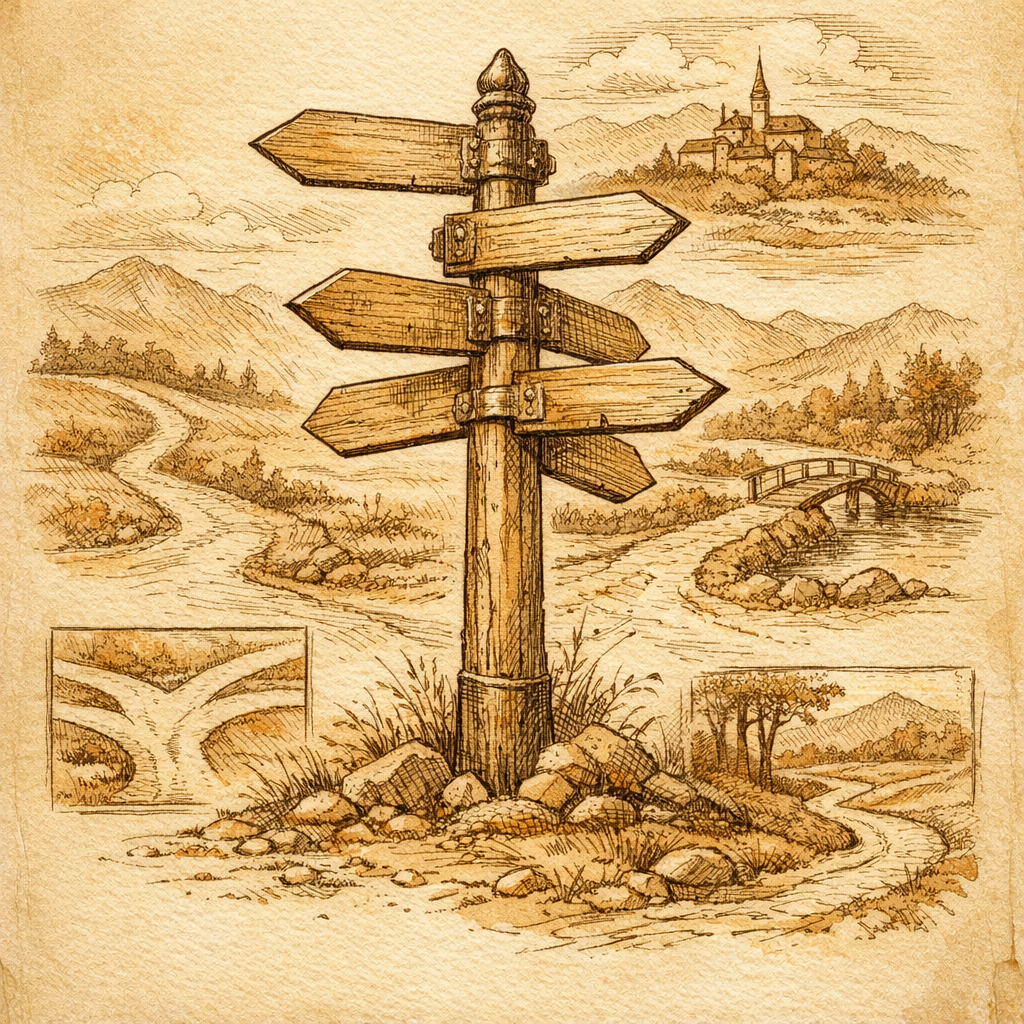
Your Website is Having an Identity Crisis (And Google Noticed)
Imagine showing up to a job interview in two different outfits simultaneously, confidently telling the interviewer "yeah, I'm definitely the same person." That's basically what happens when your website has missing or conflicting canonical tags. Google just sits there, squinting, trying to figure out which version of you is the real deal - and spoiler alert: it doesn't appreciate the mystery.
Here's the embarrassing truth: duplicate content issues caused by canonical tag problems affect roughly 30-40% of websites, according to published crawl analysis data. Thirty to forty percent! That's not a niche problem - that's a category-wide epidemic of websites walking around with their fly open while everyone's too polite to mention it.
A missing canonical tag is basically an open invitation for your search rankings to get absolutely demolished. Your homepage, your product page, your "about us" page - they could all be competing against themselves in the search results, cannabilizing clicks and confusing search engines about which version actually matters. It's the digital equivalent of having two LinkedIn profiles where one of them just keeps undercutting the other's credibility.
The Canonical Tag Hall of Horrors (Where Dreams Go to Die)
Let's talk about the specific ways canonical URLs betray you. There are basically three flavors of disaster:
1. The Missing Canonical (The Silent Killer)
You create a page. You're proud of it. You publish it. And then... you just... don't tell Google which version matters. Meanwhile, your page exists at example.com/product, www.example.com/product, example.com/product?utm_source=email, example.com/product?sort=price, and example.com/product#reviews. Congratulations - you've just created five different "unique" pages in Google's eyes. Your link juice is now split like a bad divorce settlement, and everyone loses.
2. The Conflicting Canonical (The Plot Twist)
This one's actually hilarious in a tragic way. You point Page A to Page B as its canonical. But then Page B points to Page C. And Page C? Yeah, Page C's pointing back to Page A because someone thought it was funny. Google's now sitting in the corner rocking back and forth, completely baffled. Industry data shows that conflicting canonical chains cause roughly a 20-30% drop in organic visibility on affected pages. That's not a light scratch - that's a full-body wipeout.
3. The Self-Referential Disaster (Technically Correct, Spiritually Wrong)
A page pointing its canonical to itself is like a motivational speaker whose entire speech is "believe in yourself." Sure, it's not technically wrong - but why are we doing this? And when every page points to itself while the real duplicates run wild? That's when you realize you've been debugging for three hours and the problem was there the whole time, judging you silently.
Why This Matters More Than You Think
When your canonical tags are a hot mess, a few nightmarish things happen:
- Your ranking power gets fragmented. Instead of one page with 100 backlinks, Google sees five pages with 20 backlinks each. Math doesn't work in your favor here.
- Google wastes crawl budget on duplicates. That robot could be discovering your new content, but instead it's indexing the same page seventeen different ways. Efficient? No. Infuriating? Absolutely.
- Your click-through rate suffers. When multiple versions of your page show up in search results, users don't know which to click - and neither does Google know which one to prioritize.
Think of it like this: your SEO strategy is basically on life support while you're arguing about which version of the patient is "real."
The Fix (It's Simpler Than You Think, But Also Weirdly Easy to Mess Up)
The good news? Canonical tags are genuinely simple to implement correctly. Add this to the head of your page:
<link rel="canonical" href="https://example.com/the-real-version-of-this-page" />
One line. That's it. Point every duplicate to the version you actually want Google to rank. Make sure all your canonical tags point the same direction - no circular logic, no drama, just straight lines to the truth.
The hard part? Actually auditing your entire website to find all the duplicate content you didn't know existed. And that's where tools come in handy - because manually checking every page and every URL parameter variation is how you end up having a conversation with yourself at 2 AM, questioning your life choices.
Your Action Plan (Do This Now, Seriously)
Stop reading. I mean, finish this sentence, but then actually do this:
- Run your site through a crawler and look for duplicate content.
- Check your canonical tags - actually look at them, don't just assume they're correct.
- Make sure each canonical points to the primary version you want ranked.
- Ensure there are no canonical chains or circular references (boring but critical).
- Test everything in Google Search Console - it'll show you if Google thinks your canonicals are weird.
Your future search rankings will thank you. Your current rankings desperately need you to do this. And honestly? Finding and fixing canonical tag problems is one of those rare SEO tasks that actually feels good when you solve it - like finally cleaning out a drawer you've been avoiding for three years.
Disclaimer: This article is for informational purposes only and does not constitute legal, professional, or compliance advice. SCOUTb2 is an automated scanning tool that helps identify common issues but does not guarantee full compliance with any standard or regulation.
Stop finding issues manually
SCOUTb2 scans your entire site for accessibility, performance, and SEO problems automatically.