The Great PNG Incident of 2026: How We Lost 3 Seconds of Load Time (And How You Can Avoid It)
By The bee2.io Engineering Team at bee2.io LLC
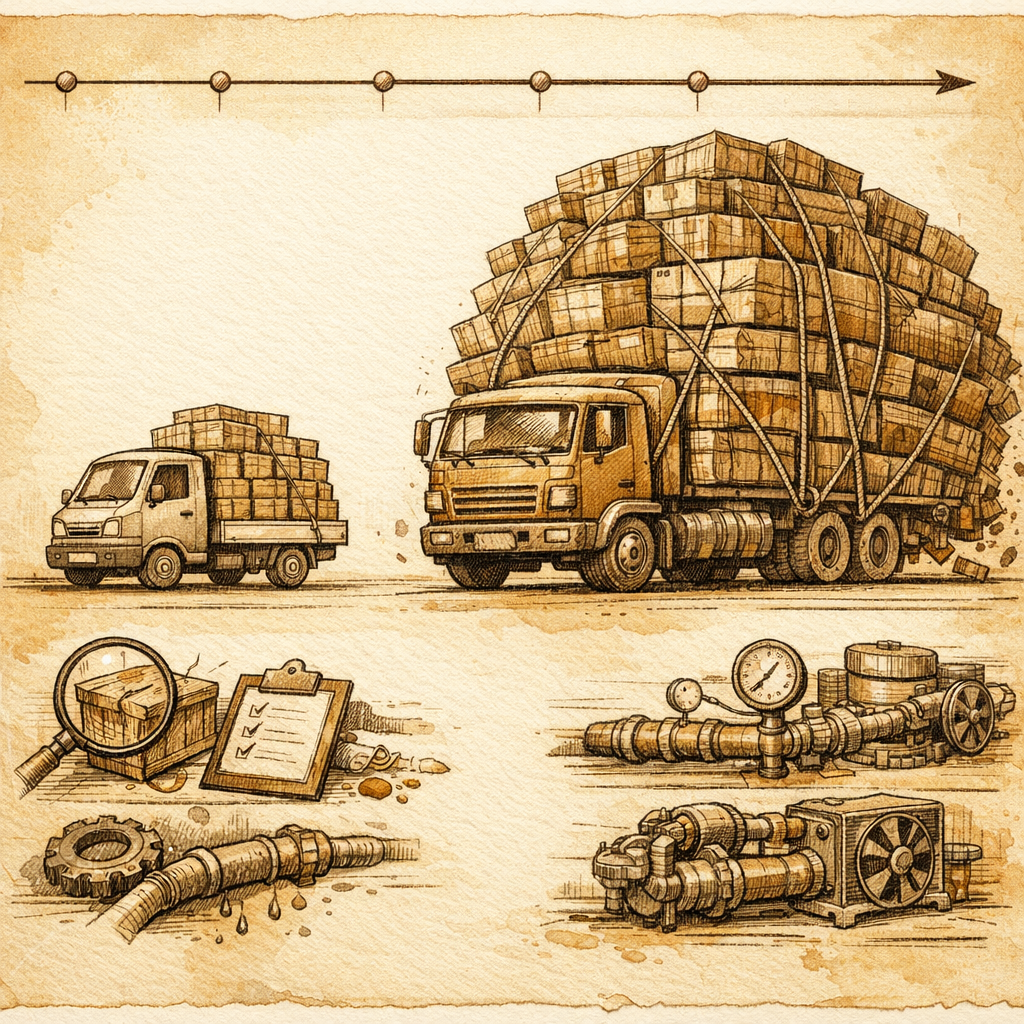
The 3 AM Alert Nobody Expected
Picture this: it's 2026, and your monitoring system just started screaming. Traffic to your e-commerce site dropped 12% overnight. Your CEO is asking questions. Your ops team is stress-eating donuts. And somewhere in the darkness, a product manager is refreshing analytics like it's a slot machine. The culprit? Your website was still serving PNG files like it was 2015.
This isn't hypothetical. A popular online retailer discovered last month that their product image library was hemorrhaging bandwidth while their competitors had already switched to modern image formats. Their average page load time had crept from 2.1 seconds to 5.3 seconds. Nobody noticed gradually. Everyone noticed when conversion rates tanked.
Here's the embarrassing part: they'd known about WebP for years. They just hadn't actually done anything about it.
Timeline: The Slow-Motion Disaster
T+0 Hours: Detection
The incident started like most do- with confusion. Analytics showed a spike in bounce rates at exactly 2:47 AM. Product images were the only thing that changed in the deploy that night. But the deploy was just a CMS update, right? Nobody touched images. Except... someone had updated the image serving configuration, and the failover to an older CDN was now forcing PNG delivery exclusively.
T+2 Hours: Impact Assessment
By dawn, the team had the numbers. A typical product page that should load in 2.1 seconds was now taking 5.3 seconds. The average PNG image was 2.4 MB. Their competitor served WebP at 680 KB for the same visual quality. That's a 72% reduction. Multiply that by 15 product images per page, and you're looking at a user experience somewhere between "buffering YouTube video" and "watching paint dry in a bandwidth-limited country."
Mobile users got hit hardest. Congratulations, your site was basically a patience simulator.
T+4 Hours: Root Cause Found
Here's where it gets stupid. The asset pipeline had been configured to support WebP and AVIF format negotiation back in 2024. It was all there, ready to go. But the updated CDN configuration had a fallback rule that was too aggressive. Any image request that didn't explicitly ask for WebP got served the PNG original instead. And guess what? Their old image tagging system never specified format preferences. So every single image request fell through the cracks.
Someone had even documented this years ago. In a Slack message. That nobody found until they searched for it.
T+6 Hours: Remediation
The fix was embarrassingly simple: re-enable content negotiation headers and test the fallback chain. Within an hour, WebP delivery was active. Within three hours, average load time was back to 2.2 seconds. They could've rolled back, but rolling forward was faster.
The damage? Two hours of reduced conversion rates during their peak morning traffic window. Estimated lost revenue in five figures.
How to Avoid Looking Ridiculous Like They Did
Here's the thing nobody wants to admit: most sites haven't actually implemented modern image formats at scale. Industry data suggests 70-75% of websites still serve PNG or JPEG as their primary format, even though WebP has had 95% browser support since 2021. AVIF is newer, but the browsers are catching up fast.
The prevention playbook is straightforward:
- Audit your images right now. Not next quarter. Not when you have time. Use your browser's dev tools network tab and actually look at what you're serving. We built SCOUTb2 specifically to catch this stuff automatically, but you can also just... look.
- Implement format negotiation incrementally. Start with WebP for modern browsers, keep PNG/JPEG for the old folks still on Internet Explorer (yes, they exist). Use picture elements or srcset attributes. It's not complicated.
- Test your fallback chain. Make sure that when browser support changes, your images don't just vanish into the void. Set up automated testing. Actually run it regularly. Revolutionary concept, I know.
- Monitor image payload size. Add it to your real user monitoring dashboards. If your median image file size suddenly jumps, you want to know about it before your CEO asks why the site feels slow.
- Document your image serving strategy. In a place where actual humans can find it. Not buried in a Slack thread from 2024.
The hard part isn't the technology. WebP and AVIF have been production-ready for years. The hard part is actually executing it and maintaining it. But that's also why it's such low-hanging fruit. Most sites haven't done it, which means you can gain a real competitive advantage by being the one that actually did.
So go scan your site. Check what format those images are really in. If you see a lot of PNGs or JPEGs serving at sizes that look like they're from the Obama administration, congratulations- you just found several hundred milliseconds of easy performance wins. Your users will thank you. Your conversion rates will thank you. Your CEO will wonder why you didn't do this sooner.
Disclaimer: This article is for informational purposes only and does not constitute legal, professional, or compliance advice. SCOUTb2 is an automated scanning tool that helps identify common issues but does not guarantee full compliance with any standard or regulation.
Stop finding issues manually
SCOUTb2 scans your entire site for accessibility, performance, and SEO problems automatically.