Your Website Traps Keyboard Users and Nobody Noticed
By The bee2.io Engineering Team at bee2.io LLC
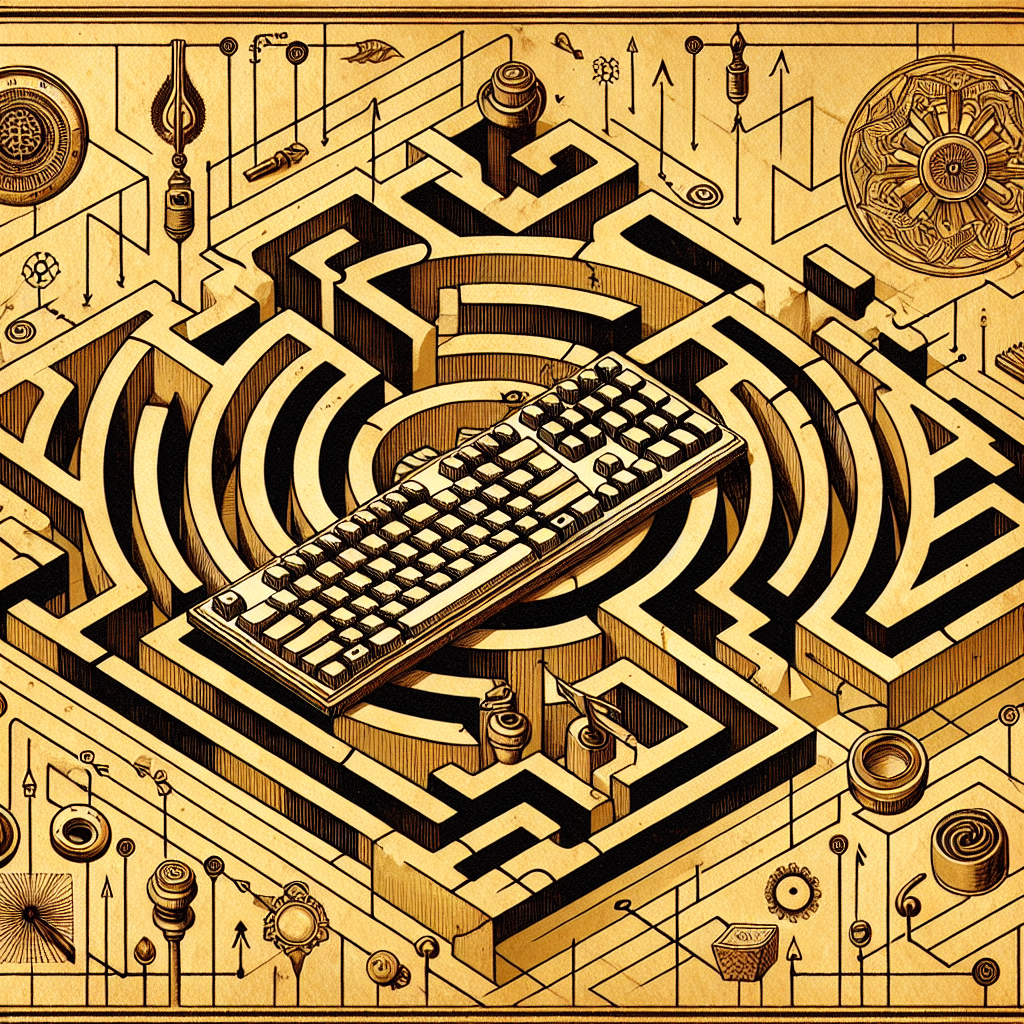
Your website is basically walking around with its fly open and nobody has the heart to tell you. Except I'm here to tell you. And I'm getting paid to be honest.
Here's the thing: somewhere right now, a keyboard user is trying to navigate your website and they've accidentally entered what I like to call "The Keyboard Trap Zone" - a dark dimension where the Tab key becomes meaningless and focus disappears into the void like a bad Zoom connection. They're stuck. They're frustrated. And they're definitely not buying anything from you.
According to published research, roughly 2-3% of internet users rely exclusively on keyboards to navigate the web. That might sound small until you realize that's potentially millions of people, plus literally anyone who's ever damaged their wrist, spilled coffee on their mouse (just me?), or decided touch pads are instruments of torture designed by people who hate productivity.
The Invisible Focus Styles That Don't Actually Exist
Let me paint you a picture. A keyboard user presses Tab on your site. Nothing happens. No outline, no color change, no "hey buddy, you're here now" visual cue. It's like someone turned off the lights at a party and everyone's just... standing there. Awkward.
Missing focus styles are the web development equivalent of removing all the street signs from a city and hoping people just figure it out. Some developer saw those default blue outlines and thought, "Not on my watch," then deleted them with the thoroughness of someone erasing their browser history before their mom walks in. But they didn't replace them with anything. Genius.
The real problem: About 62% of websites have inadequate focus indicators, according to industry accessibility audits. That means most of the internet is playing a fun game called "Where is your cursor?" with millions of keyboard users. Fun stuff.
- Users can't tell where keyboard focus is located
- Navigation becomes a guessing game
- Your bounce rate mysteriously increases
- Everyone's upset, especially the people trying to actually use your site
Modal Dialogs: The Digital Lobster Trap
You know those popup modals that appear on your site? The "sign up for our newsletter" trap? The "Are you SURE you want to leave?" psychological warfare? Yeah, those. They're keyboard traps.
Here's what happens: a keyboard user tabs through your content, a modal appears, and suddenly they're stuck inside it. They can't escape. They press Escape - nothing. They press Tab repeatedly - they just cycle through the same three buttons over and over like Sisyphus, but with his browser. This is the web development equivalent of putting a padlock on your front door while leaving every window wide open and a neon sign that says FREE STUFF.
Proper modal behavior requires something called "focus trapping" - intentionally keeping keyboard focus locked within the modal until the user dismisses it. It's not complicated. It's actually a solved problem. But it requires someone to, you know, actually implement it.
What Keyboard-Trapped Users Experience:
- They can tab past the modal boundaries into content behind it
- The Escape key doesn't close anything
- They eventually give up and close your tab entirely
- They leave a one-star review saying "your website is broken"
- They tell their friends. Lots of friends.
Tab Order: When Your Website Plays 4D Chess With Reality
Tab order is the sequence in which keyboard focus moves through interactive elements on your page. Left to right, top to bottom - simple, right?
Wrong. Some genius decided to use CSS to move a button to the bottom of the page visually, but left it first in the tab order. So keyboard users tab to a button that appears to be at the top. Congratulations, your website now has non-Euclidean navigation.
Or worse: negative tab indices scattered throughout your code like landmines. HTML tabindex="-1" removes elements from the tab order. Some developers use this correctly. Others use it like a toddler uses a hammer - confidently and incorrectly, breaking things in the process.
The result: Keyboard users navigate your site in an order that makes no logical sense, skipping interactive elements entirely or hitting them in completely random sequences. It's like they've got a broken GPS that insists you turn left to go right.
Okay, So What Do We Actually Do About This?
Good news: fixing these issues isn't black magic. It's just... actual work. The kind where you have to think about users who aren't exactly like you.
- Add visible focus styles: Use :focus-visible CSS to show where keyboard focus is. Make it obvious. Make it impossible to miss.
- Trap focus in modals: When a modal opens, focus moves inside. When it closes, focus returns to the trigger element. This is basic courtesy.
- Fix your tab order: Don't use positive tabindex values. Seriously, don't. Structure your HTML in a logical order and let it work.
- Test with a keyboard: Unplug your mouse. Actually do this. You'll be shocked at what breaks.
Here's the real talk: keyboard accessibility isn't some niche feature for tech nerds. It's about not building digital landmines. It's about not silently excluding millions of people from using your website. It's about not being terrible.
So grab that keyboard. Unplug your mouse. Tab through your website right now. If you can't figure out where you are or what you're supposed to do - congratulations, you've found your problem. Now go fix it before someone writes a one-star review.
Disclaimer: This article is for informational purposes only and does not constitute legal, professional, or compliance advice. SCOUTb2 is an automated scanning tool that helps identify common issues but does not guarantee full compliance with any standard or regulation.
Stop finding issues manually
SCOUTb2 scans your entire site for accessibility, performance, and SEO problems automatically.