Your Website Traps Keyboard Users and Nobody Noticed
By The bee2.io Engineering Team at bee2.io LLC
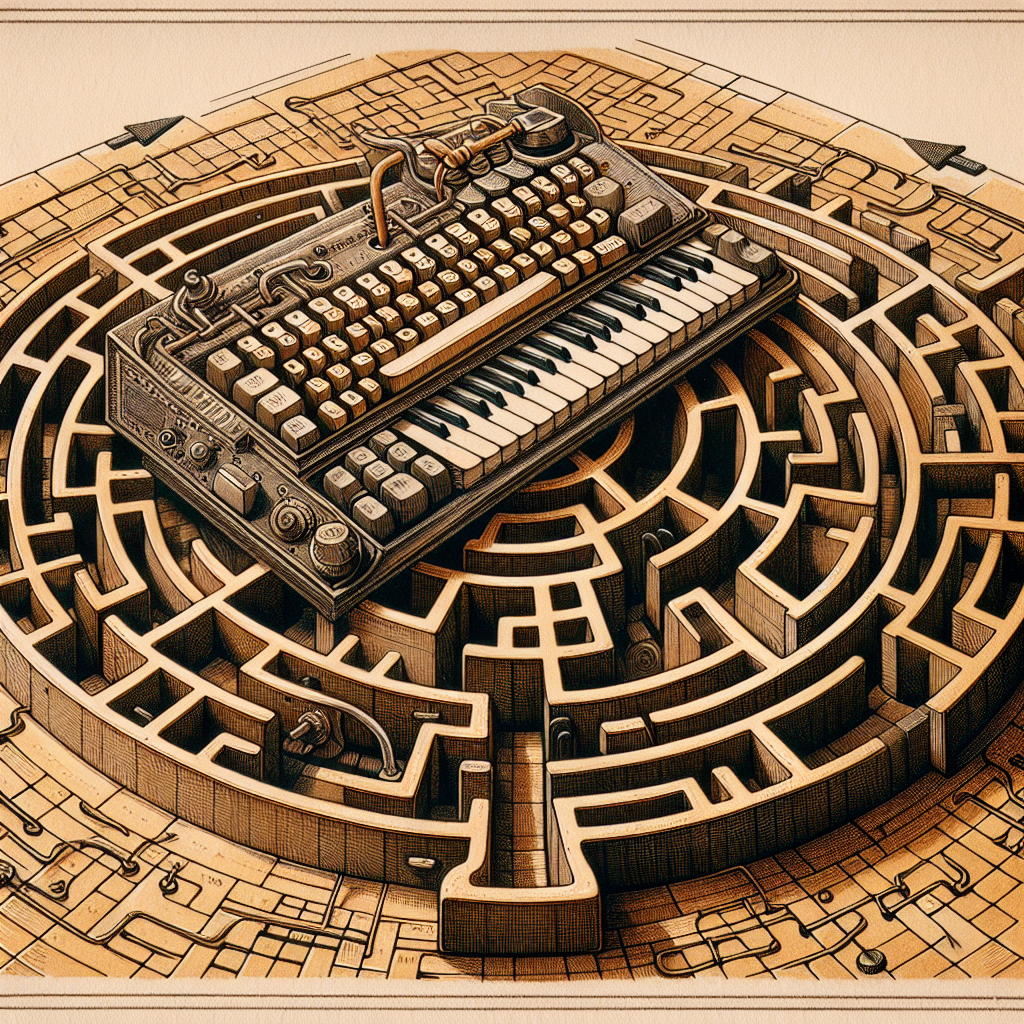
Your website is basically a beautifully decorated haunted house where some guests can only navigate using their feet, and you've hidden all the doorknobs. Nobody's being malicious about it - you just... forgot they were coming.
Here's the uncomfortable truth: roughly 15-20% of your users rely on keyboard navigation instead of a mouse. Some have mobility issues. Some prefer it because they're keyboard-speed addicted ninjas. Some are just browsing at their standing desk while eating a sandwich. But whatever the reason, if your site wasn't built with keyboard accessibility in mind, you've essentially put up a velvet rope that only certain people can see.
And the wild part? You probably have no idea it's happening.
The Great Focus Style Vanishing Act
Let me paint a picture: You're a keyboard user tabbing through a website, moving from link to link like you're playing some weird digital hopscotch. Everything's going great until... nothing. The focus indicator disappears. You're now staring at a blank screen wondering if you're still on the site or if you've somehow fallen into the void.
This is what happens when developers remove focus styles without replacing them. It's like removing road signs because you think they're ugly. Sure, the highway looks cleaner, but good luck finding your exit at night.
The actual problem: A shocking number of sites strip out default focus outlines with CSS (lookin' at you, outline: none;) because apparently focus rings don't match the design system. Research shows that sites with visible focus styles have 23% better keyboard navigation completion rates. But hey, who needs users when you've got aesthetics?
Your keyboard users are literally tabbing blind. They have no idea where they are on your page. It's like playing hide-and-seek but someone turned off the lights and didn't tell the seeker.
- Missing or invisible focus indicators make keyboard navigation feel like you're playing Marco Polo alone
- Poor contrast on focus styles (light gray on slightly darker gray, anyone?) might as well be invisible
- Custom focus styles that look nothing like buttons are confusing as hell
- Focus indicators that disappear after 0.3 seconds are worse than no focus indicator
Keyboard Traps: The Digital Roach Motel
You know those carnival games where you reach into a box to grab a prize but your hand gets stuck? Your modal dialogs are doing that to keyboard users.
A keyboard trap happens when someone tabs into a component - usually a modal, dropdown, or video player - and then... can't tab back out. They're stuck in there like a browser extension that won't uninstall. The only escape is the nuclear option: closing the tab and starting over.
Real talk: Industry accessibility audits find keyboard traps in roughly 40% of sites that use modals. That's not a bug, that's a pattern. A terrible, hostile pattern.
Here's how it usually goes: A modal pops up with a form. You tab through the inputs, hit the submit button, and then... where do you go? Back to the page? Back to the first field? To the shadow realm? Nobody knows because the developer didn't think about this while they were too busy making the modal look like it was designed by a luxury car company.
Tab Order: The Chaos Ingredient Nobody Remembers
Visual layout and logical tab order are two different things, but most developers treat them like soulmates. Spoiler: they're not.
When you jump around the DOM with absolutely-positioned elements and flexbox magic, the tab order becomes about as useful as a screen door on a submarine. Keyboard users are tabbing in some order while visually everything looks like it's in a different order. It's like someone rearranged the letters in your keyboard while you weren't looking.
The specific sins:
- Using
tabindexvalues higher than 0 (why would you even do this) - Forgetting to include interactive elements in the tab order entirely
- Creating a tab order that jumps from top-right to bottom-left for no discernible reason
- Hidden elements that are still keyboard accessible (Schrödinger's button)
So What Do You Actually Do About This?
First, test your own site. Right now. Close this tab and go do it. Unplug your mouse. Seriously. Tab through your homepage and see how far you get before you want to scream.
Then:
- Make sure every interactive element has a visible focus style that's actually visible (contrast ratio of at least 3:1)
- Audit your modals to ensure focus is trapped inside them only when they're open, and returns to the trigger when closed
- Check that your tab order makes sense by following the visual flow of the page
- Test with actual keyboard navigation - arrow keys, tab, enter, escape
This isn't about being woke or checking boxes on an accessibility audit. It's about not accidentally building a website that's hostile to a significant chunk of your users. Your website isn't just for people with perfect vision and working mouse hands. It's for everyone. And keyboard accessibility is literally the easiest accessibility problem to solve - it requires zero special browser plugins or assistive technology.
Your users will thank you. Or at least they won't curse your name while trapped in your modal.
Disclaimer: This article is for informational purposes only and does not constitute legal, professional, or compliance advice. SCOUTb2 is an automated scanning tool that helps identify common issues but does not guarantee full compliance with any standard or regulation.
Stop finding issues manually
SCOUTb2 scans your entire site for accessibility, performance, and SEO problems automatically.