Stop Broadcasting Your Query Params to Strangers: The Referer Header Design System Fix
By The bee2.io Engineering Team at bee2.io LLC
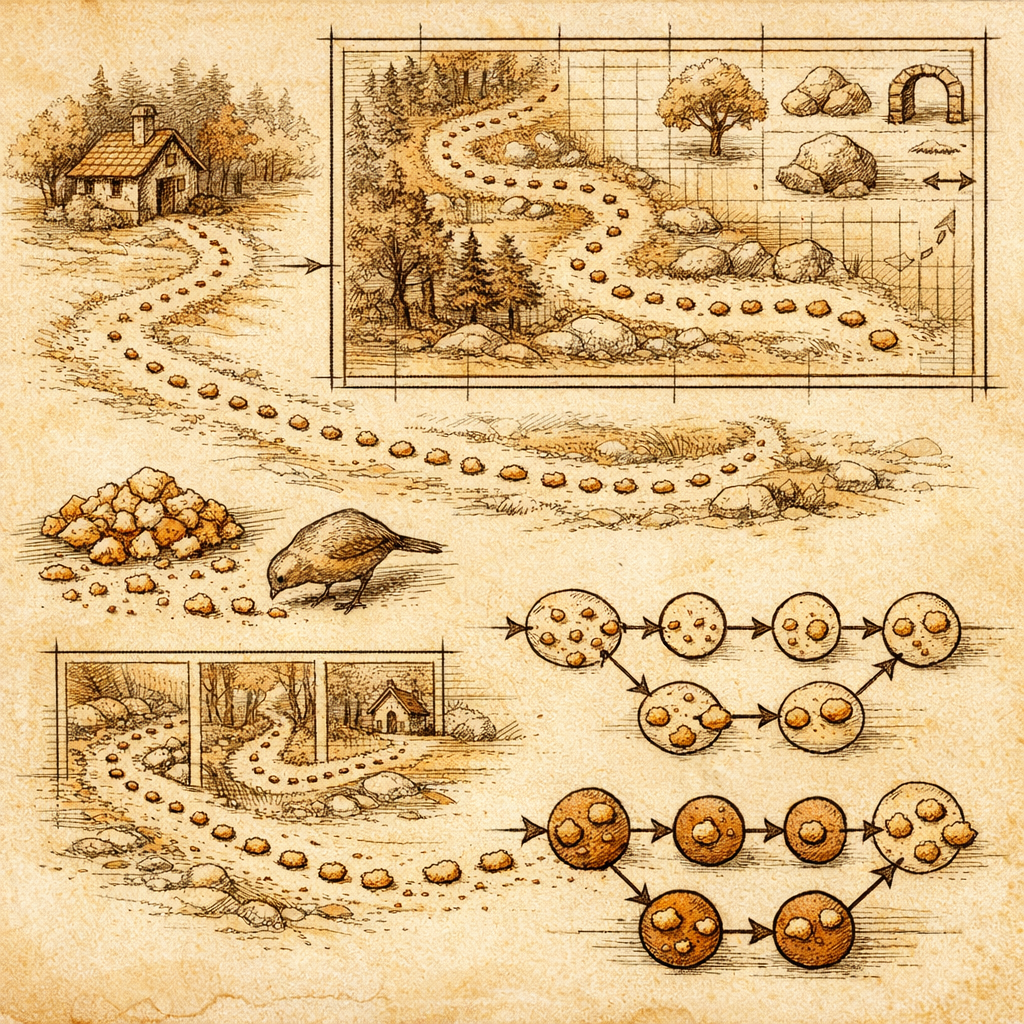
You know that feeling when you realize you've been walking around with a giant piece of toilet paper stuck to your shoe the entire day? That's your website right now, except instead of toilet paper it's your users' private data, and instead of one day it's been happening continuously since 2015.
Every single link your site creates is silently broadcasting its full URL-including all those juicy query parameters-to whatever site it's linking to. That referral search query? The user ID embedded in the URL? The feature flag revealing what you're A/B testing? All of it gets sent in the referer header like some kind of gossipy group chat.
The real kicker? Most teams aren't fixing this piecemeal. They're spreading this vulnerability across dozens of inconsistent implementations. Time to treat this like what it actually is: a design system problem that deserves a design system solution.
Why Your Shared Components Are Your Greatest Security Liability
Here's the thing about design systems: they're supposed to make consistency easier. Ironically, they also make inconsistency really, really efficient if you're not careful. When your button component, your link wrapper, and your navigation patterns all have their own referrer policies-or worse, no policy at all-you've essentially baked data leakage into your DNA.
According to published research from web standards tracking, approximately 87% of sites still rely on the default referrer policy, which sends the complete URL to every destination. That's not a bug-it's a feature of websites that haven't updated their design tokens in three years.
The insidious part? Each product team probably thinks their implementation is fine in isolation. "Our one page uses referrer-no-referrer, so we're good." Congratulations-you've just created 47 different security postures across your platform. That's the web development equivalent of everyone on the team locking their own doors while leaving the loading dock wide open.
Your Design Tokens Should Prevent This Before Code Review
This is where it gets fun. Instead of whacking security vulnerabilities with a bug tracker one by one, integrate referrer policy directly into your design system primitives. Make it the default behavior, not an afterthought.
Start here:
- Create a base link token with
referrerpolicy="strict-origin-when-cross-origin"baked into your primitive component. Every link that inherits from this token automatically gets sensible defaults. - Audit all components that generate URLs - navigation patterns, call-to-action buttons, breadcrumbs, search result links, you name it. If it creates an outbound link, it should use your standardized token.
- Document the "why" in your design system specs. Your developers need to understand that this isn't arbitrary security theater-it's protecting user privacy and preventing data leakage to competitors.
- Test cross-brand consistency by running a browser extension scan (ahem) across every product surface that uses your design system. If one surface is still leaking, you'll catch it immediately.
The beauty of this approach? Every new product that consumes your design system automatically gets the fix. No additional work. No security debt accumulating in forgotten product lines.
The Ripple Effect: Why This Matters Beyond Compliance
Here's the uncomfortable truth: competitors can literally see what your users are searching for when they click through. One major retailer's entire search infrastructure was visible to analytics platforms across their outbound links. A popular SaaS platform accidentally exposed feature trial indicators in referrer headers for months.
These aren't edge cases. They're the default behavior when nobody updates the design system.
When you standardize referrer policy across your design system, you're not just plugging a leak-you're:
- Preventing competitive intelligence gathering through referrer data
- Reducing privacy compliance surface area (especially relevant in certain regulatory environments)
- Ensuring every product team benefits from security improvements simultaneously
- Making future audits actually auditable instead of a nightmare spreadsheet
The best part? This is genuinely easy to implement once you own it at the design system level. There's no complicated infrastructure. Just a thoughtful default that propagates through every implementation.
What To Do Right Now (Yes, Before You Close This Tab)
Pull up your design system repository. Search for how links are currently implemented. Check whether your base link/anchor component specifies a referrer policy. If it doesn't, or if it varies across components, you've found your work for the sprint.
Then run SCOUTb2 across your main product surfaces. See what's leaking. Compare it against your design system audit. The gap between what you thought was implemented and what's actually live is usually where the interesting conversations start.
Your URLs shouldn't be postcards. Make it the system's job to keep them private.
Disclaimer: This article is for informational purposes only and does not constitute legal, professional, or compliance advice. SCOUTb2 is an automated scanning tool that helps identify common issues but does not guarantee full compliance with any standard or regulation.
Stop finding issues manually
SCOUTb2 scans your entire site for accessibility, performance, and SEO problems automatically.