Why Your Buttons Are Too Small for Human Fingers (And It's Not the User's Fault)
By The bee2.io Engineering Team at bee2.io LLC
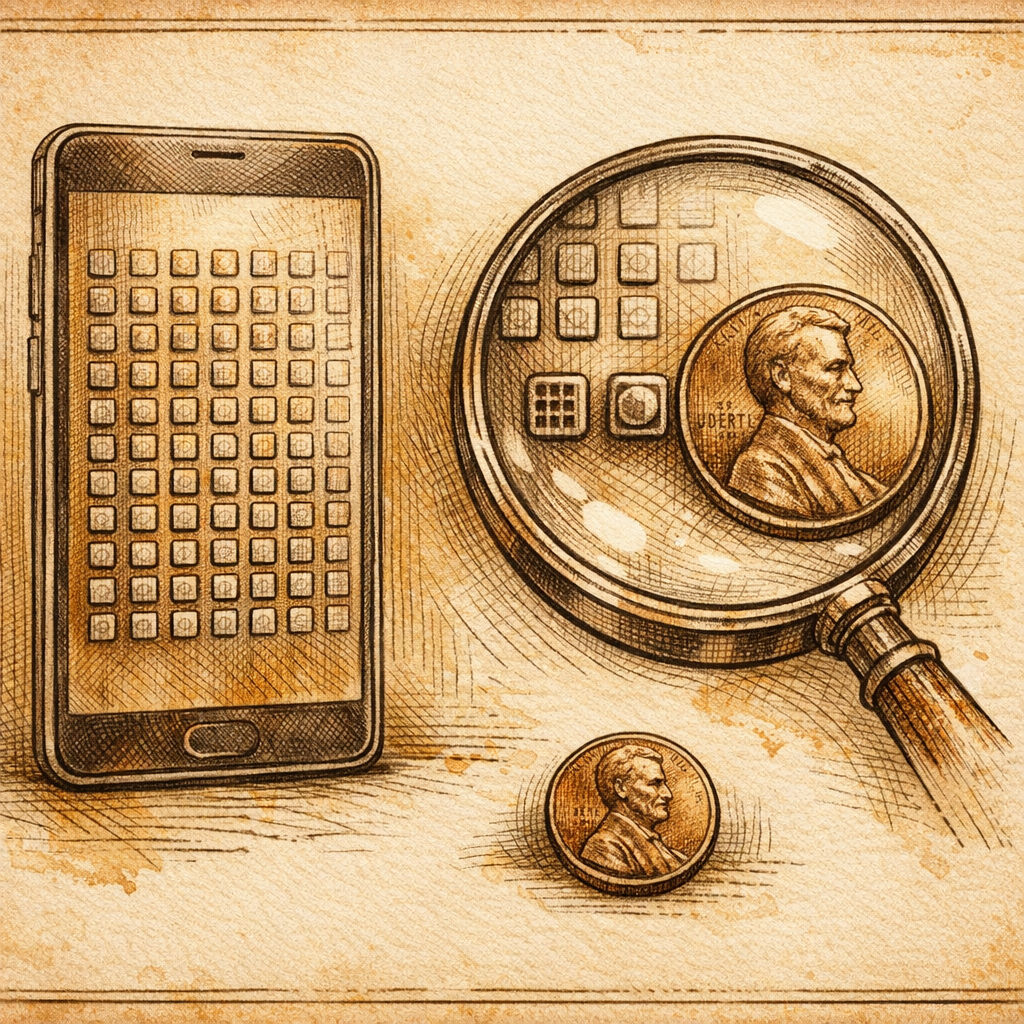
You know what's wild? We've put computers in people's pockets, yet somehow we still design buttons so small that activating them requires the precision of a surgeon and the patience of a saint. It's like we collectively forgot that humans have actual fingers - not styluses, not tiny robot arms, just regular human fingers attached to regular human hands.
Here's the thing nobody wants to admit at design meetings: if your button is hard to tap, it's not because your users have clumsy hands. It's because you designed something clumsy. But don't worry - we're going to fix that.
The 44x44 Pixel Minimum: A Rule That Exists For Reasons
Let's start with the absolute baseline that should be tattooed on every designer's monitor: buttons need to be at least 44x44 pixels. This isn't a suggestion from some design hipster. This comes from decades of research about how human fingers actually work.
The average human fingertip is about 11-13mm wide. When you're tapping something on a screen, you're not exactly a precision instrument - you're more like a person trying to hit a specific tile with a slightly damp thumb while sitting on a bus. Industry data shows that users miss their intended targets roughly 30% of the time when buttons fall below 44x44 pixels. That's not a typo. One in three taps, gone. Vanished. Like your battery life after opening Instagram.
The 44x44 pixel rule came from Apple's original guidance, which was based on actual human hand measurements and real-world testing. It's the bare minimum before your interface becomes what we in the business call hostile to human biology. And yet, every single day, designers are out there creating buttons that are 30x30 pixels, 28x28 pixels, sometimes even smaller - basically designing for fingers that don't exist on actual humans.
Your thumb is not a precision tool. Stop designing like it is.
But What About Spacing? Or: Why Your Buttons Are Tap-Fighting Each Other
Here's where it gets spicy: having a button that's 44x44 pixels is step one. But if that button is sitting right next to another button like they're in a nightclub lineup, you've accomplished nothing except creating a new way for users to accidentally trigger the wrong action.
Published research suggests minimum spacing of 8 pixels between interactive elements, but honestly? If you're not leaving at least 12-16 pixels of breathing room between your buttons, you're just asking for trouble. And not the fun kind - the angry customer support ticket kind.
- Spacing below the minimum: Users tap the wrong button and feel stupid (they're not). You get frustrated support emails. Everyone loses.
- Proper spacing (16px+): Users tap what they meant to tap. Customer satisfaction goes up. You maybe even get to leave the office on time.
Think of it this way: buttons packed too closely together are like a crowded concert where someone keeps elbowing you. Sure, they're technically there, but the experience is annoying enough that you might just leave.
The Fat-Finger Tap Problem (Spoiler: It's a Design Problem)
Let's address the elephant in the room - or rather, the finger on the screen. When someone misses a button, the industry loves to call it fat-finger syndrome, as if the user's hand is somehow defective. Spoiler alert: it's not. The user's hand is normal. Your design is weird.
A finger isn't a laser pointer. It's an imprecise blob of skin and bone, and the larger your target is, the easier it is to hit. This isn't controversial - it's just physics and ergonomics. Yet we continue to see websites where "Buy Now" buttons are 32 pixels wide and the confirm button on a destructive action is the size of a postage stamp.
Here's what actually happens with undersized buttons: users get frustrated, abandon forms, leave your site, go to your competitor's site (which probably has slightly larger buttons), and never come back. The missed tap isn't the problem. The conversion loss is the problem. But you already knew that, right?
One major retailer discovered that increasing their checkout button from 36x36 pixels to 44x44 pixels increased their mobile conversion rate by 8%. Not bad for moving a button slightly bigger. That's not a coincidence - that's design working the way it's supposed to.
So What Now? (The Actual Helpful Part)
Here's your action list, and I kept it short because I respect your time:
- Audit your buttons. Pull up your site on mobile. Are they at least 44x44 pixels? If you have to ask "is it big enough," it's too small.
- Check your spacing. Can you fit another button between your current buttons without them overlapping? You've got room to optimize.
- Test with real humans. Give your phone to someone and watch them try to tap your buttons without instructions. Do they hit what they meant to hit? Do they curse under their breath? That's your feedback.
- Use a scanner. Something like SCOUTb2 can help identify buttons that don't meet accessibility and usability standards automatically - because manually checking every button on your site sounds like a great way to spend a Friday.
The bottom line: your buttons aren't too small because users have fat fingers. They're too small because someone prioritized aesthetics over usability, and that someone probably wasn't the person trying to use the site on a moving train.
Go check your site right now. Really. On mobile. Try to tap something important. If you feel even a tiny spike of frustration - congratulations, you've found something to fix.
Disclaimer: This article is for informational purposes only and does not constitute legal, professional, or compliance advice. SCOUTb2 is an automated scanning tool that helps identify common issues but does not guarantee full compliance with any standard or regulation.
Stop finding issues manually
SCOUTb2 scans your entire site for accessibility, performance, and SEO problems automatically.